DataRaft for Positron & VS Code
Curious where the editor fits in the wider workflow? See the plain-English example.
Browse your R workspace, inspect contracts and delivery guarantees, understand failed checks and edit ODCS YAML through guided controls.
Start with a complete synthetic insurance portfolio: six connected tables, checked contracts, a model, a blocked payment feed and a channel lapse-rate product. The screenshots below come from native Positron click tests using the same data as the framework regression tests.
All screenshots show the real extension running in Positron with synthetic test data. YAML editing is also supported in VS Code. Live R features require Positron and dataraft.ide.
Explore the extension, one feature at a time
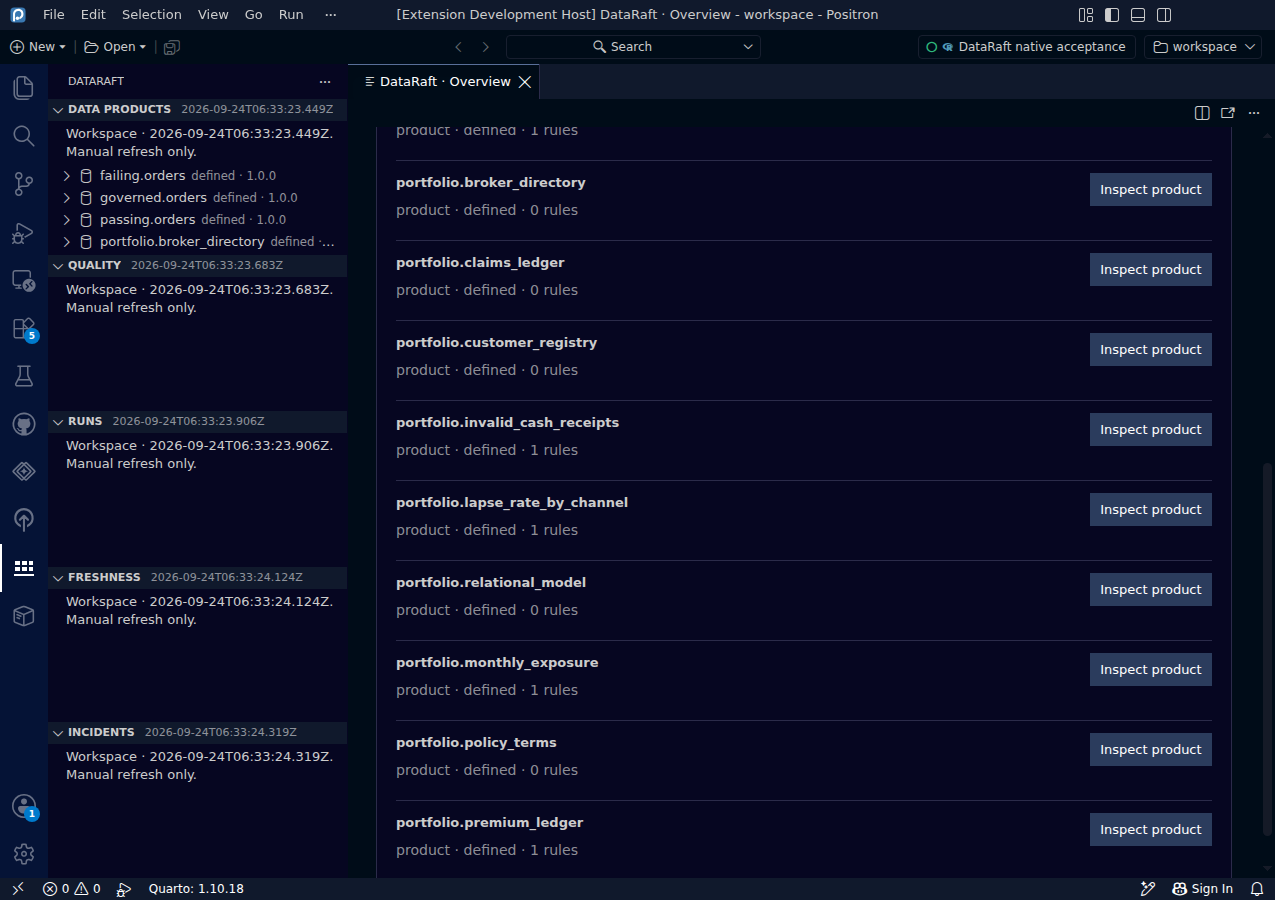
Follow a real reporting problem
Explore a synthetic insurer portfolio from six related source tables to a checked lapse-rate report.
Screenshots & guide ↗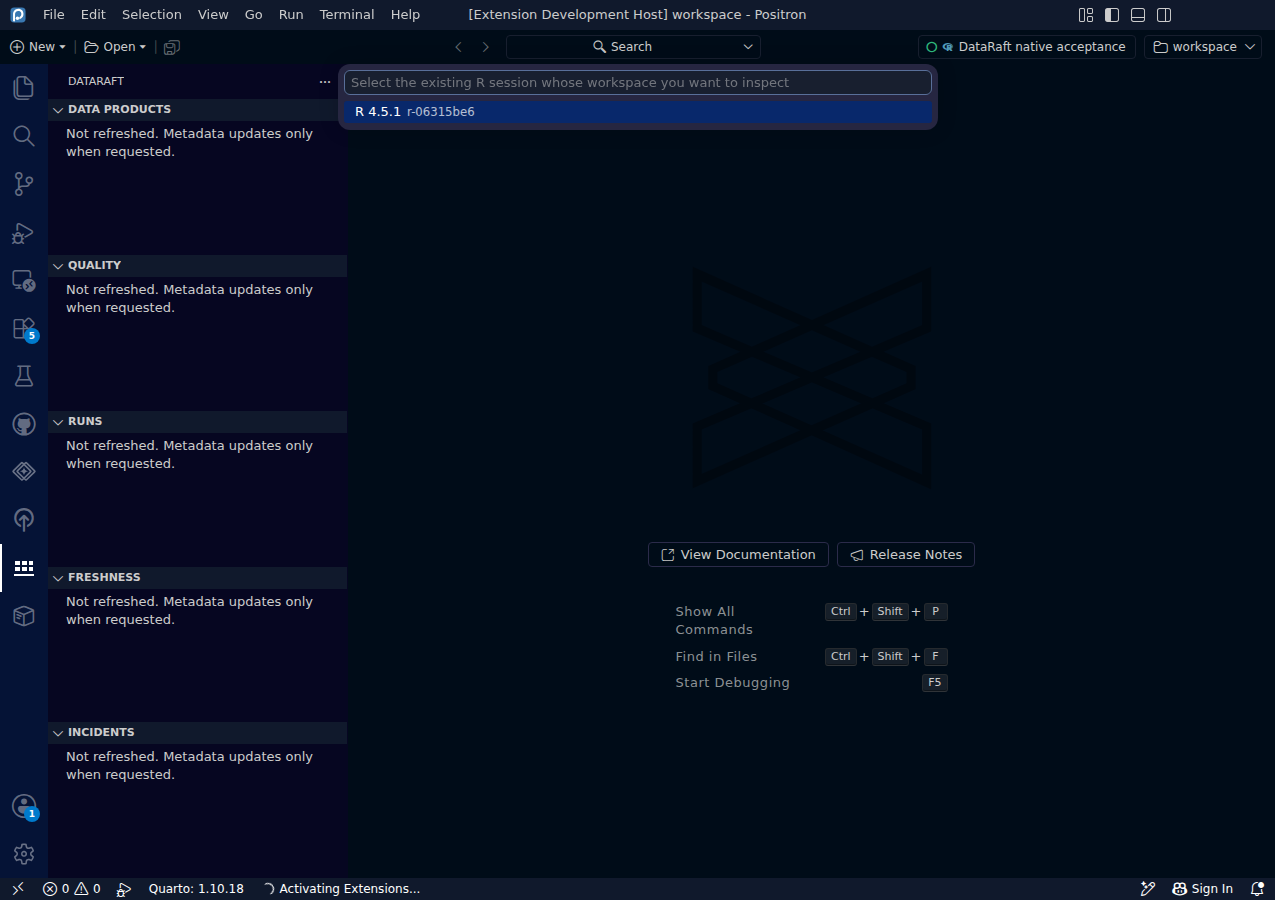
Select an existing R session
Connect the extension to the workspace you are already using.
Screenshots & guide ↗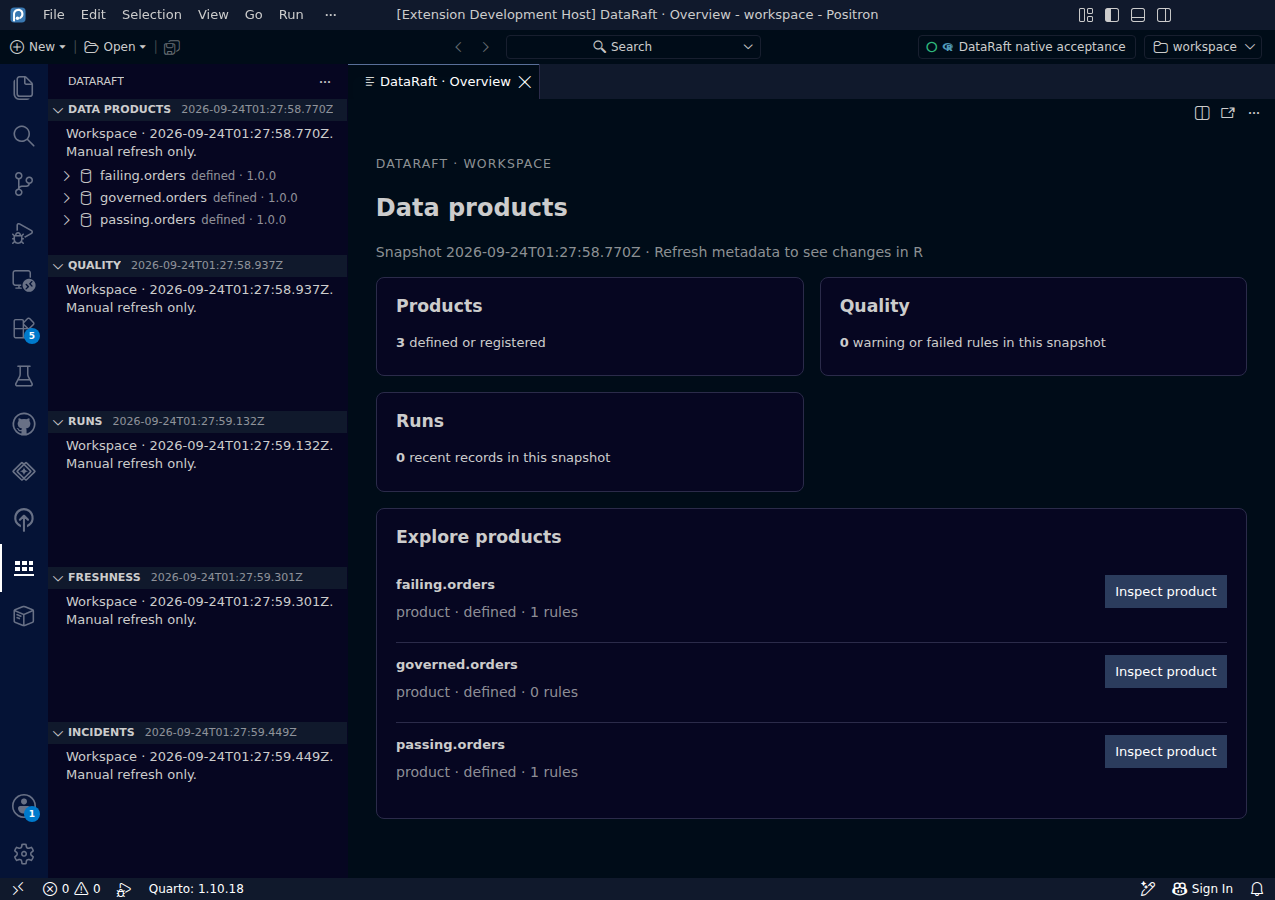
Browse the workspace overview
Find products and see quality and run counts before opening details.
Screenshots & guide ↗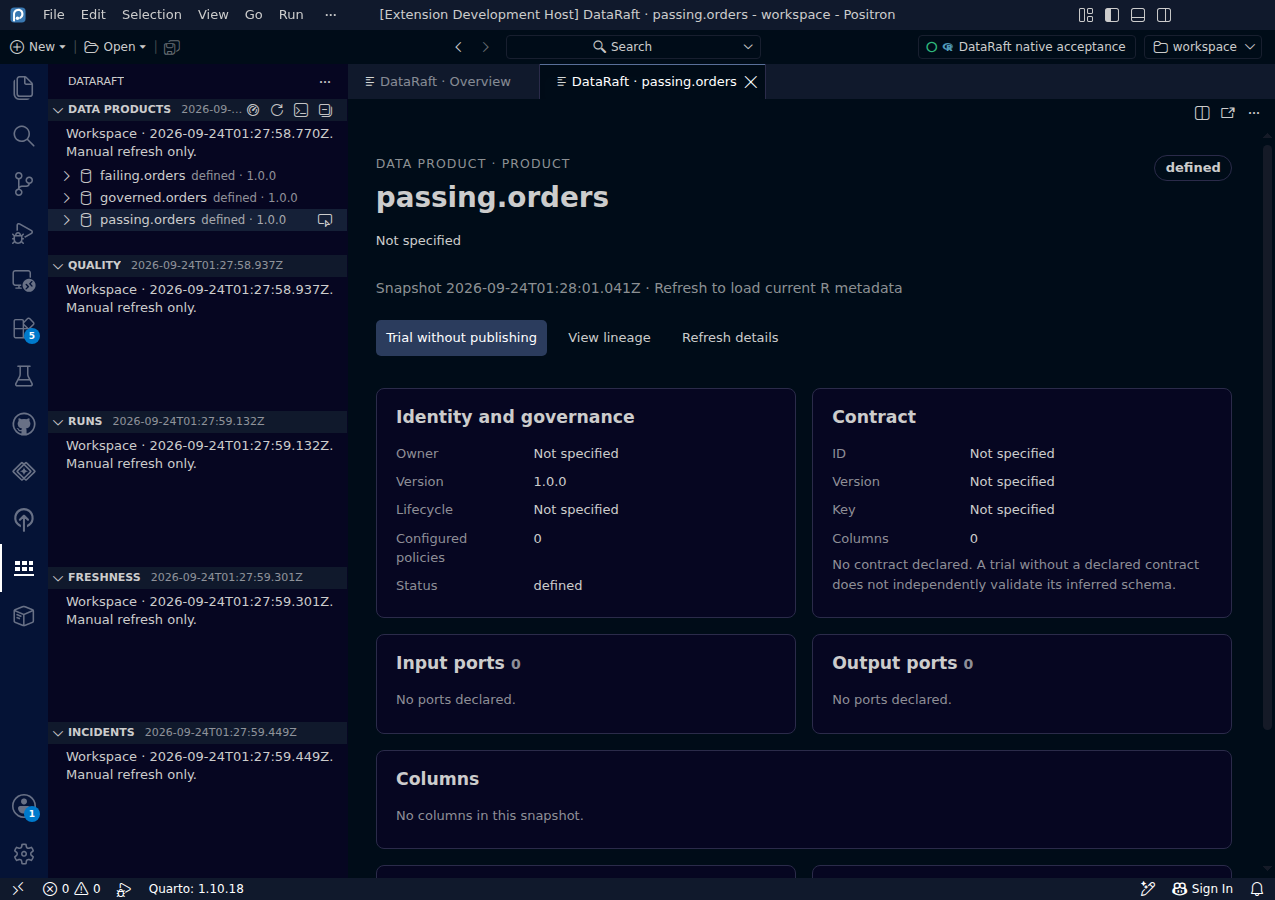
Explore a data product
Read product identity, rules, columns and available actions in a guided view.
Screenshots & guide ↗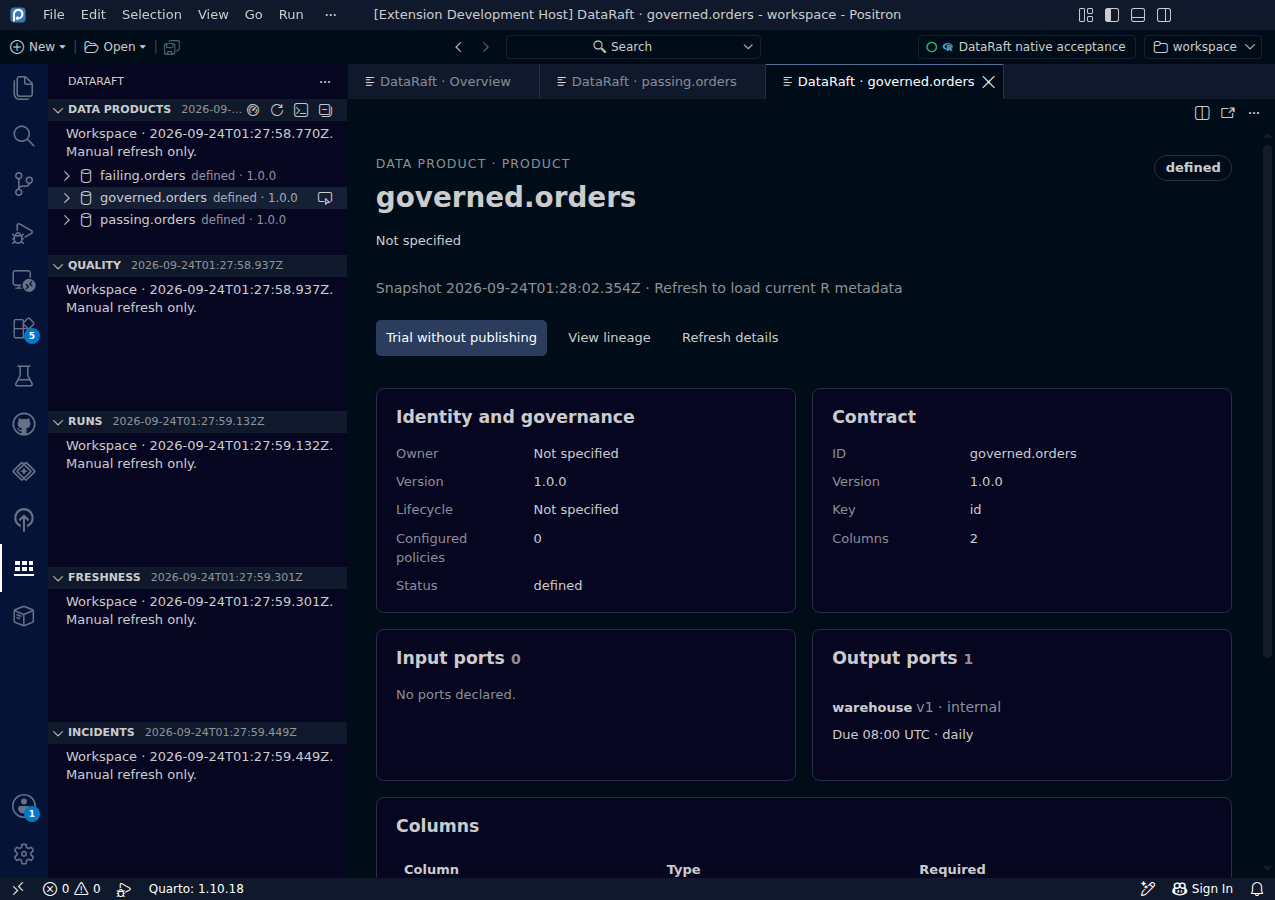
Review contracts, policies and delivery timing
Inspect policy definitions, output ports and SLA in one dashboard.
Screenshots & guide ↗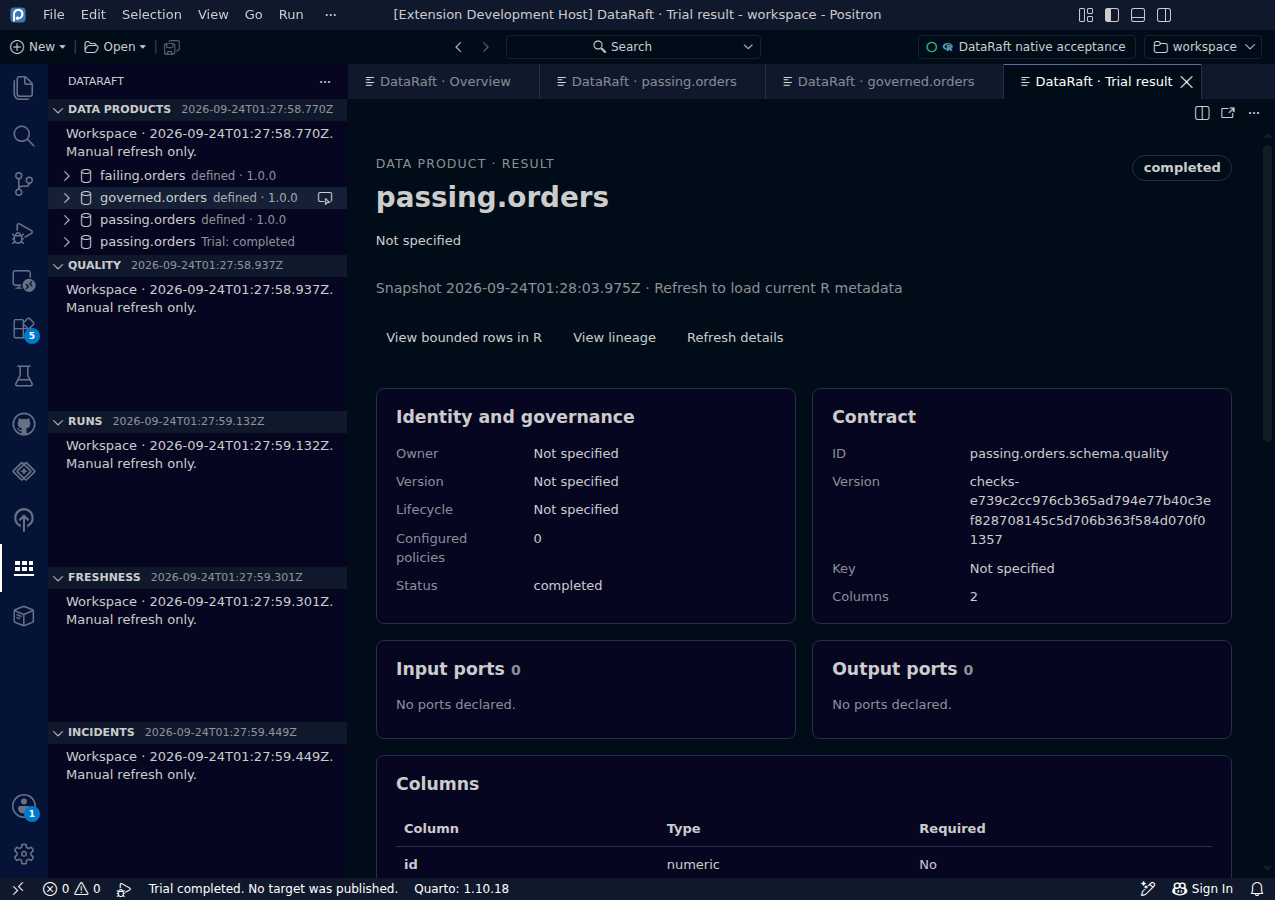
Run a product without publishing
Compare successful and blocked deliveries using retained trial results.
Screenshots & guide ↗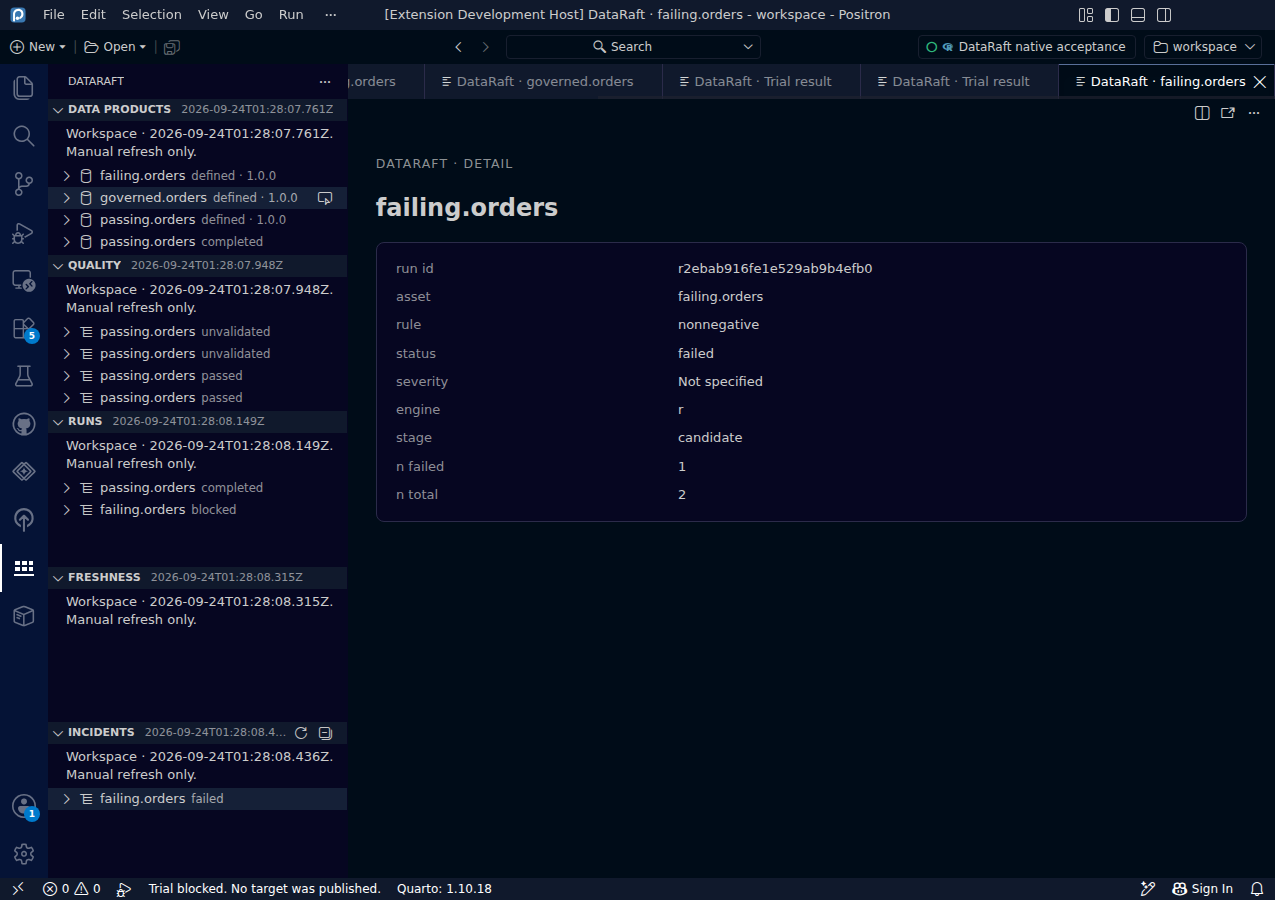
Inspect failed quality evidence
See which rule failed and how many rows were affected.
Screenshots & guide ↗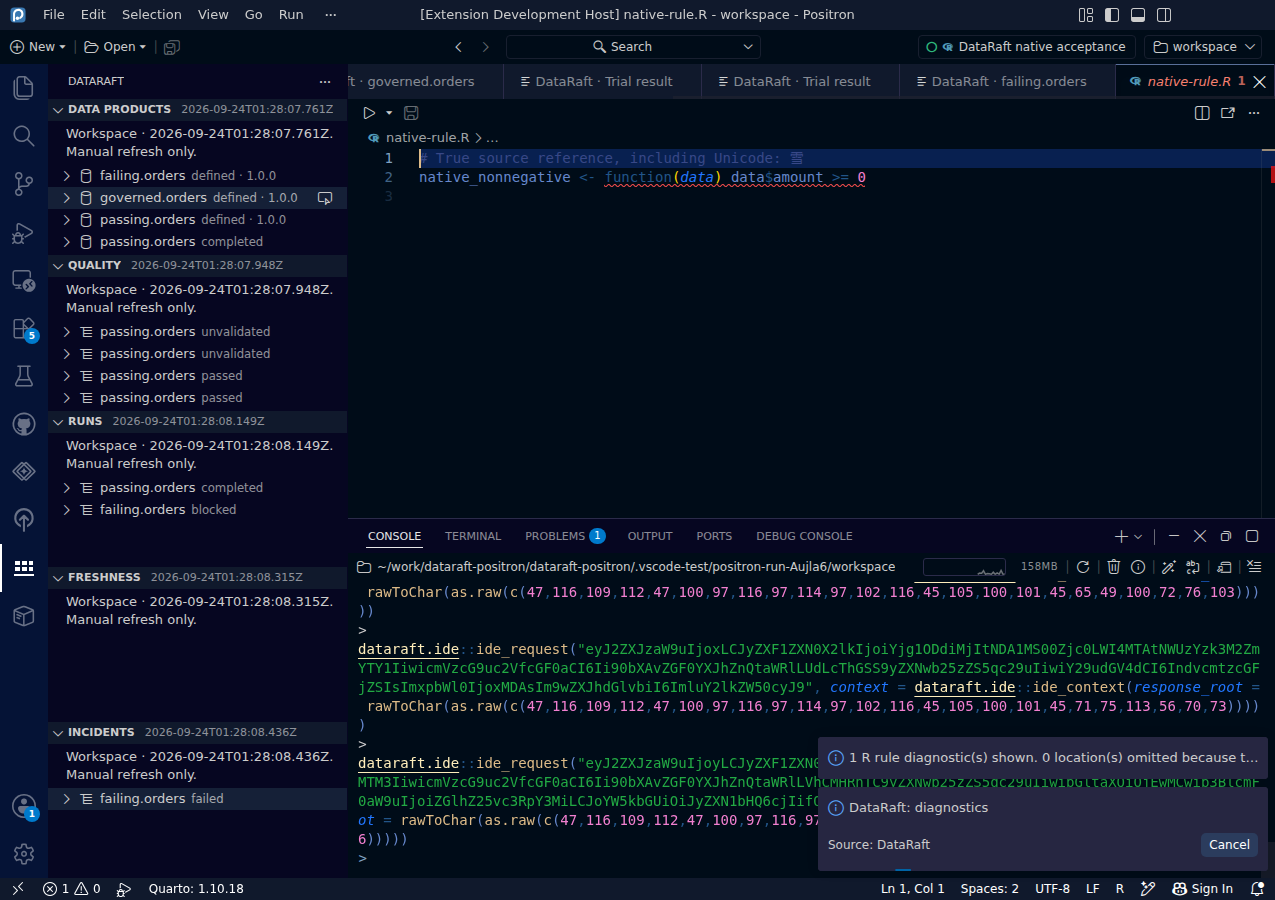
Locate a failed rule in R code
Map a retained failure to a verified location in your R source.
Screenshots & guide ↗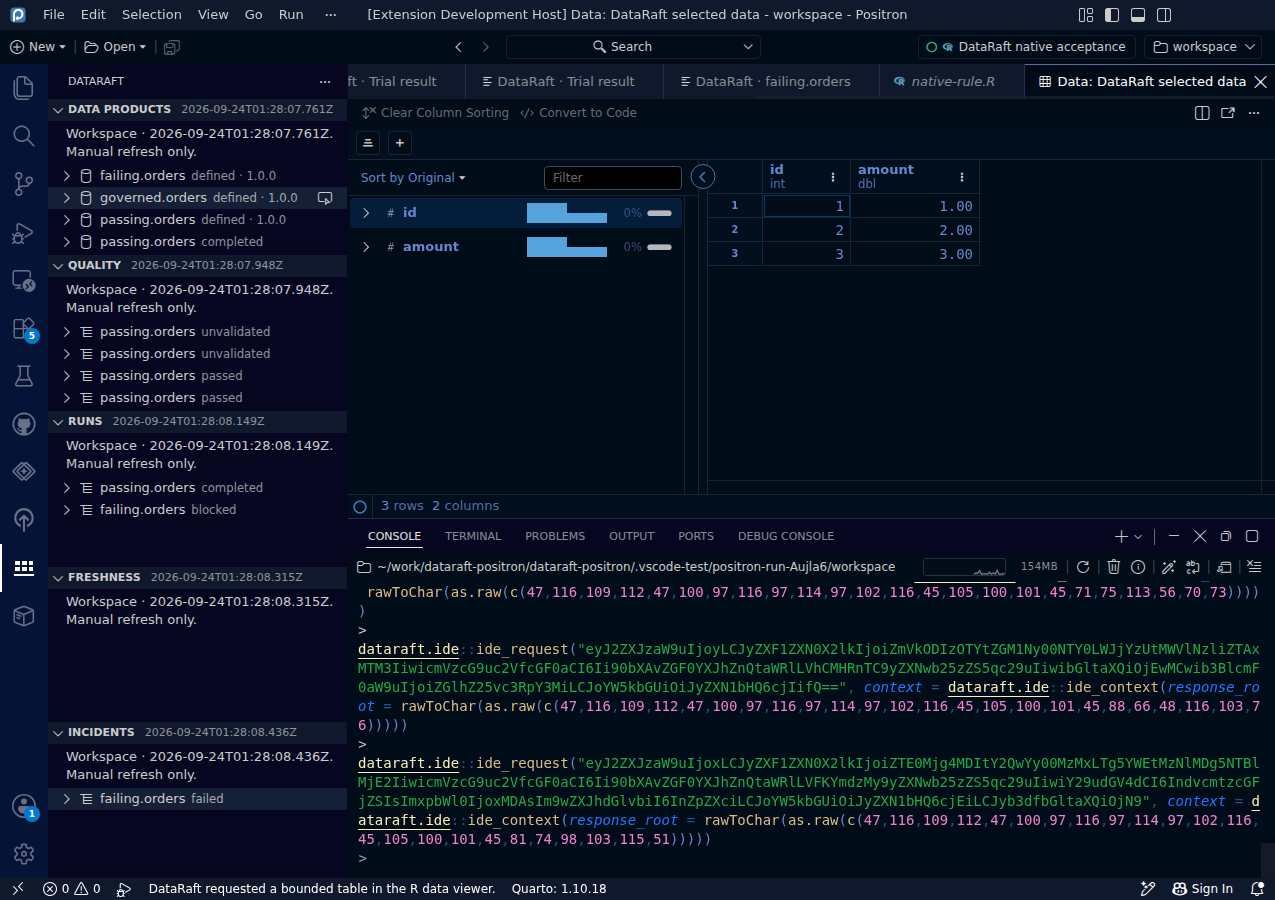
View bounded rows inside R
Open a small data preview in the native Data Explorer.
Screenshots & guide ↗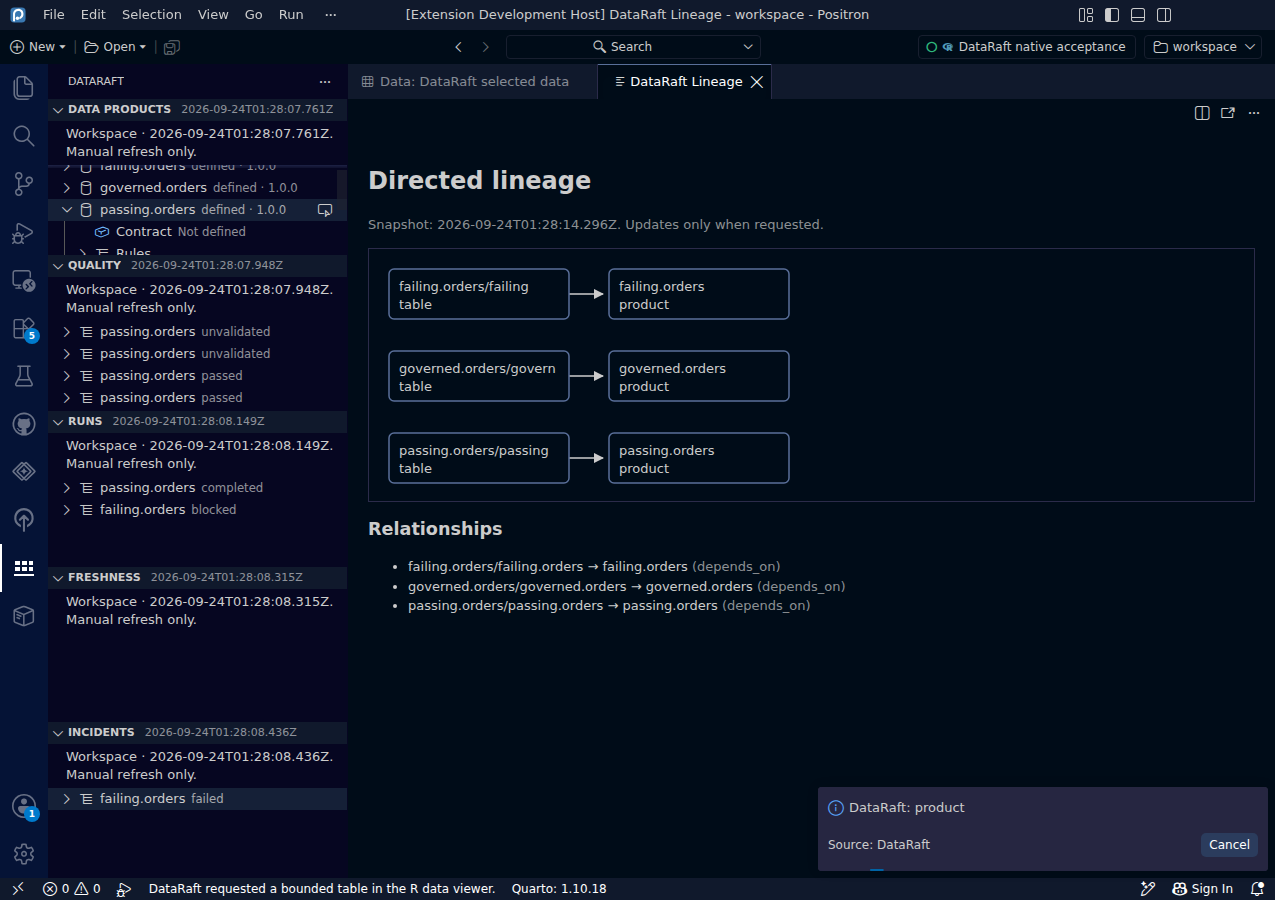
Follow directed product lineage
Inspect dependencies and jump from a graph node to its product.
Screenshots & guide ↗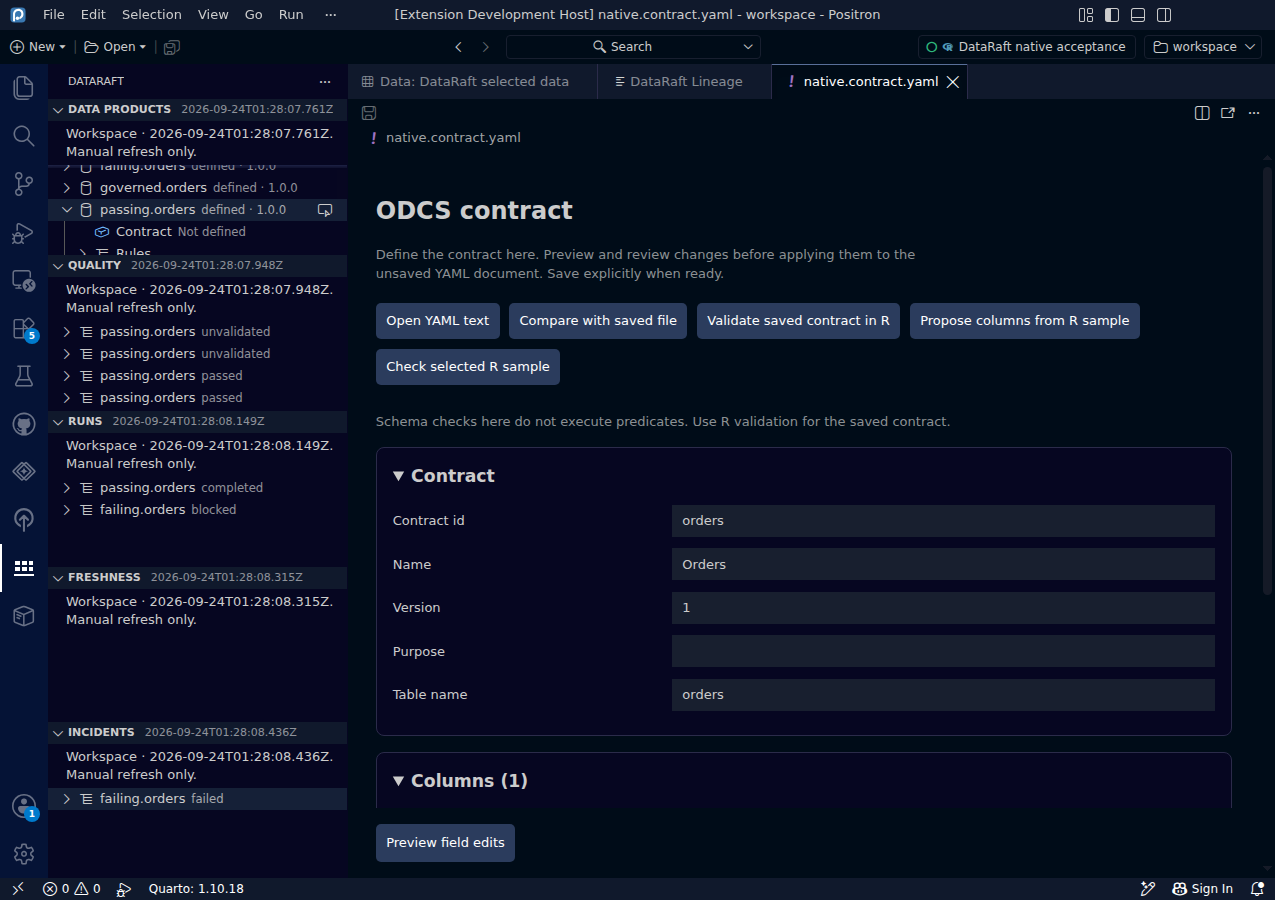
Edit an ODCS contract
Work with contract fields while keeping YAML as the authoritative document.
Screenshots & guide ↗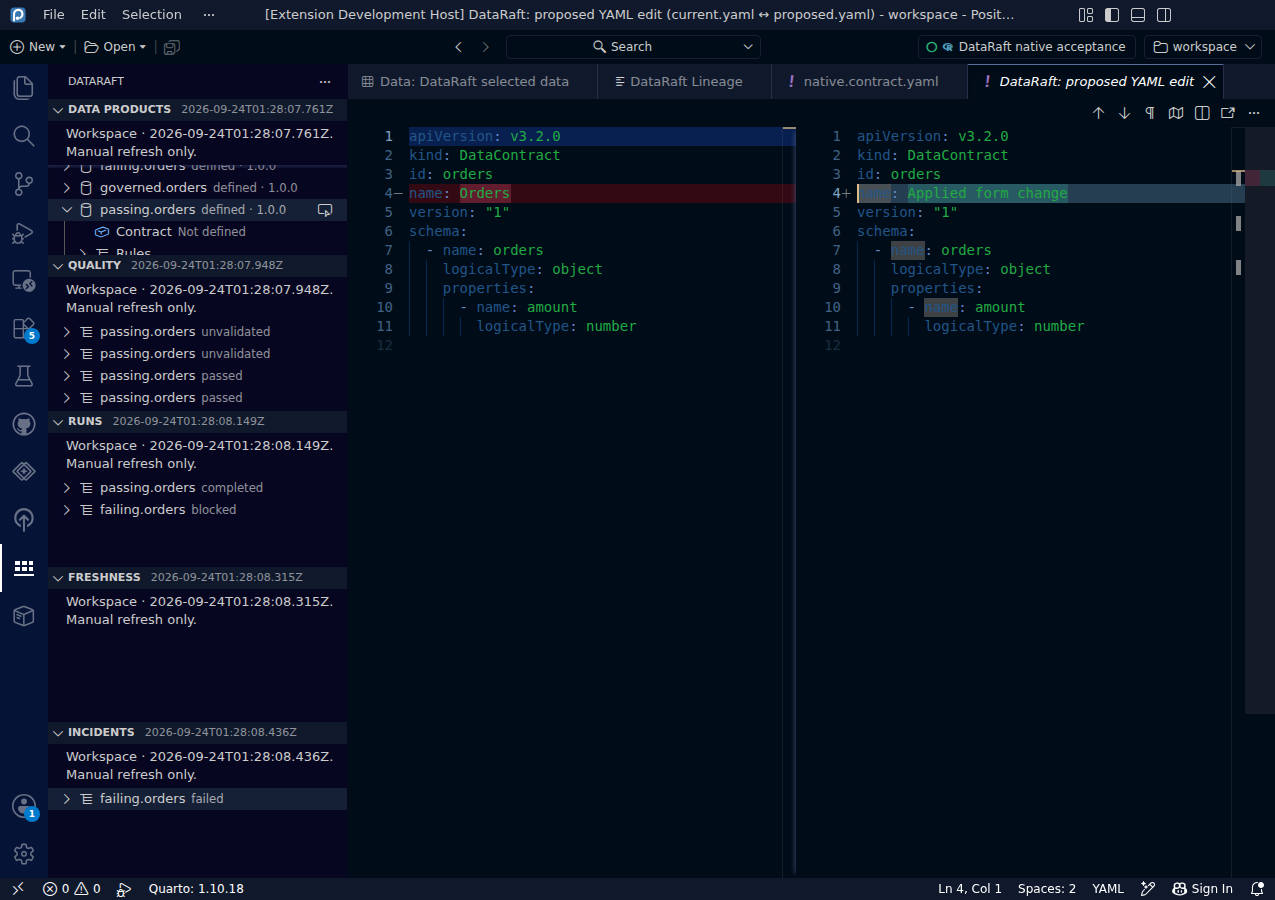
Review a proposed YAML change
Inspect the actual proposed diff before changing the document.
Screenshots & guide ↗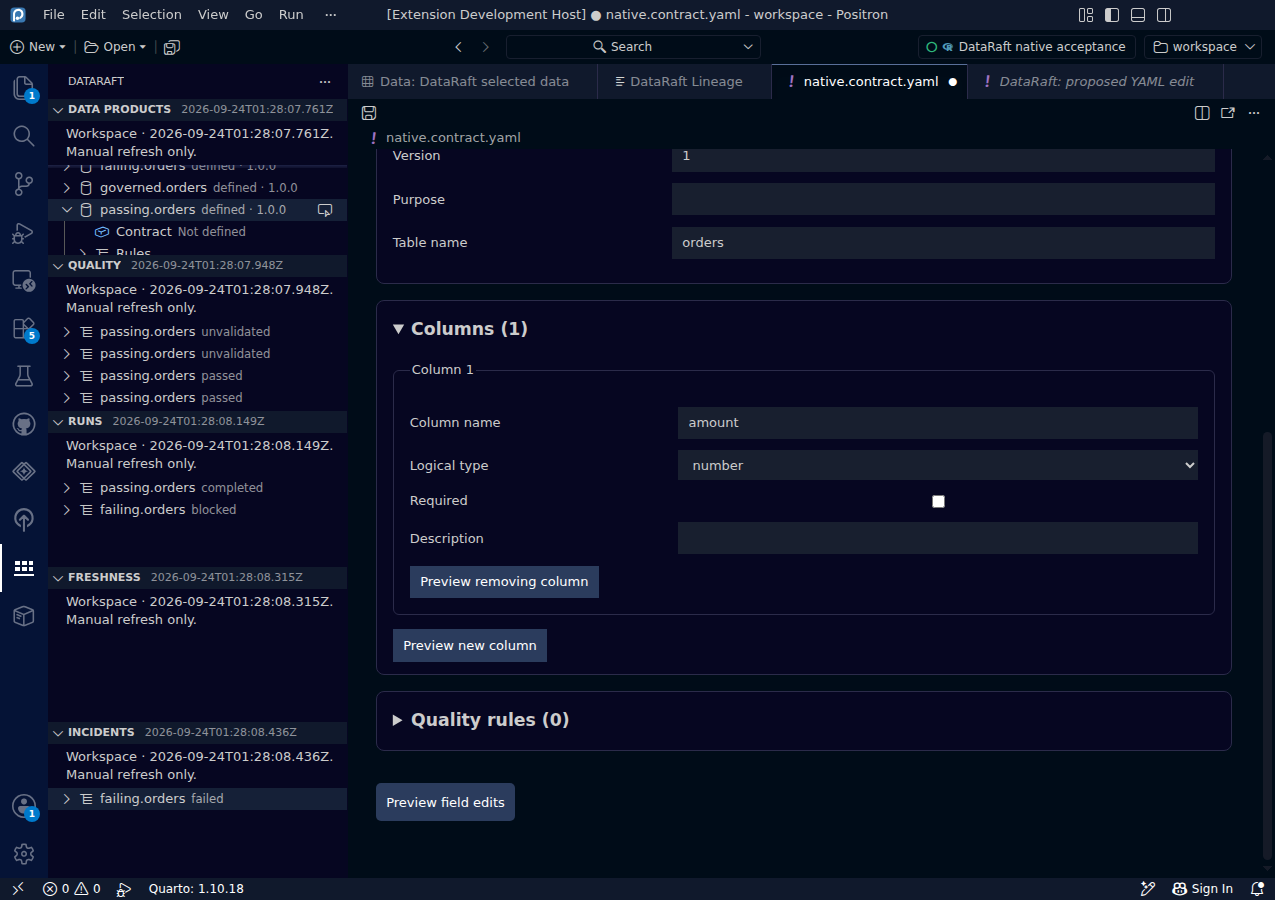
Apply a change, then save explicitly
Keep the distinction between an editor change and a saved contract.
Screenshots & guide ↗Choose your editor
| Capability | Positron | VS Code |
|---|---|---|
| ODCS contract YAML editor, preview and apply | Yes | Yes |
| Guided product, contract and quality dashboards | With dataraft.ide | Not supported |
| Explicit raw metadata JSON | Yes | Yes |
| Trial, R rule diagnostics and bounded R viewer | With an active, trusted R session | Not supported |
More commands and operational guidance
Saved-contract validation, table profiling, bounded sample checks, workspace/lake selection and frozen report metadata are covered in the complete command and installation guide. The gallery above documents the native journeys with dedicated captures; it does not claim a screenshot for every command.
Installation, commands, settings and limitations →
About these screenshots
Each image is an original capture from the running native application. The capture suite executes real R trials, checks their results and drives the production editor controls. No interface elements have been reconstructed or composited.